What Is RenConnect?
RenConnect℠ is Renaissance’s benefits data integration platform: a secure digital bridge that connects your HRIS, payroll or benefits administration system to Renaissance dental, vision, life, disability and accident coverage through a single connection.
Powered by our Renaissance Operating System (ROS), RenConnect℠ integrates effortlessly with your platforms and file formats, so nothing needs reformatting on your end. Whether you’re setting up a new group, updating eligibility or managing enrollments, RenConnect makes the entire experience simple.
How RenConnect Simplifies Benefits Administration
Managing benefits data shouldn’t be frustrating or time-consuming. RenConnect gives brokers, employers and their platforms one reliable point of access to:
- Quickly initiate connections
- Seamlessly exchange data
- Monitor policy and enrollment activity
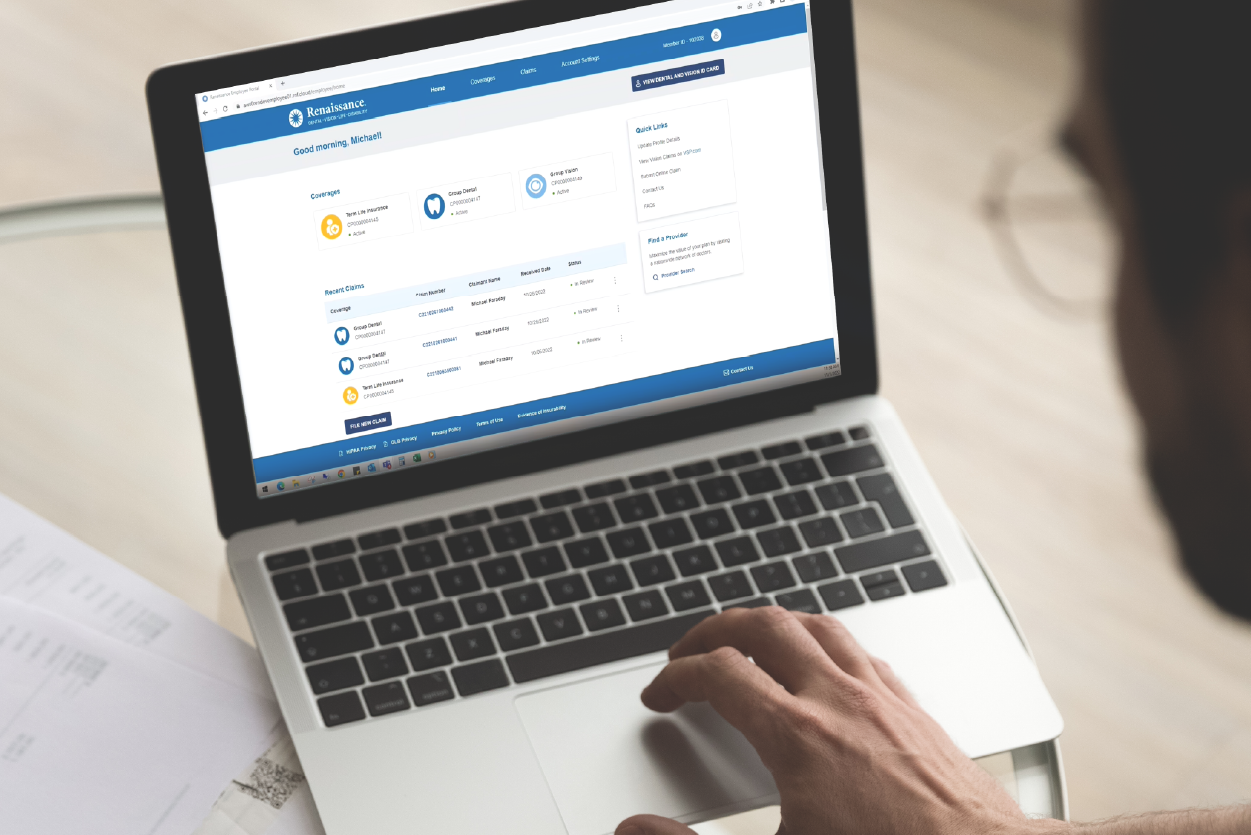
| Without a Connected Platform | With RenConnect |
|---|---|
| Data needs to re-entered by hand across separate systems | Data flows once through a single connection |
| Records can drift out of sync, creating billing discrepancies | Eligibility, billing and claims records stay in sync |
| Eligibility changes have to wait on manual updates and follow-up | Changes arrive through automated feeds, without needing manual follow-up |
Learn more about how RenConnect can support both brokers and employers in our RenConnect Guide.
Which Systems and File Formats Does RenConnect Support?
RenConnect works with the systems you already use. If your HRIS, payroll or enrollment platform can export eligibility and enrollment data, Renaissance can accept it. Choose the connection style that works best for your workflow:

How Does RenConnect Handle Eligibility Updates and Life Events?
Eligibility management is where connected data makes the biggest day-to-day difference:
- One feed for every change: New hires, terminations and life-event changes flow through the same automated feed you set up at onboarding.
- No duplicate paperwork: Updates reach Renaissance without manual re-keying.
- In sync for the life of the policy: Once your group is live, eligibility, billing and claims data stay in sync.
What Does RenConnect Implementation Look Like?
Implementation starts earlier than you might expect. Because quoting already collects your group’s census and plan-design details, roughly 70% of implementation work is complete by the time a case is quoted. From there, onboarding follows a clear, collaborative roadmap:
- 1
Kickoff and Implementation Call
Your implementation call is scheduled within 5 business days of case confirmation.
- 2
Paperwork and System Setup
While your team completes the necessary paperwork and setup, Renaissance installs policies in just 2 business days.
- 3
Secure Connection Exchange
Credentials and connection details are exchanged between Renaissance and your platform.
- 4
File Testing and Validation
You send test files, and Renaissance reviews and responds within 2 days, repeating the cycle until everything passes.
- 5
Go-Live
Once testing is complete, your connection is live, and your data stays in sync from day one.